
Optimize  App Revenue with Easy Paywall
  Testing
Don’t wait, get EARLY BIRD ACCESS to all ABWALL features now👇
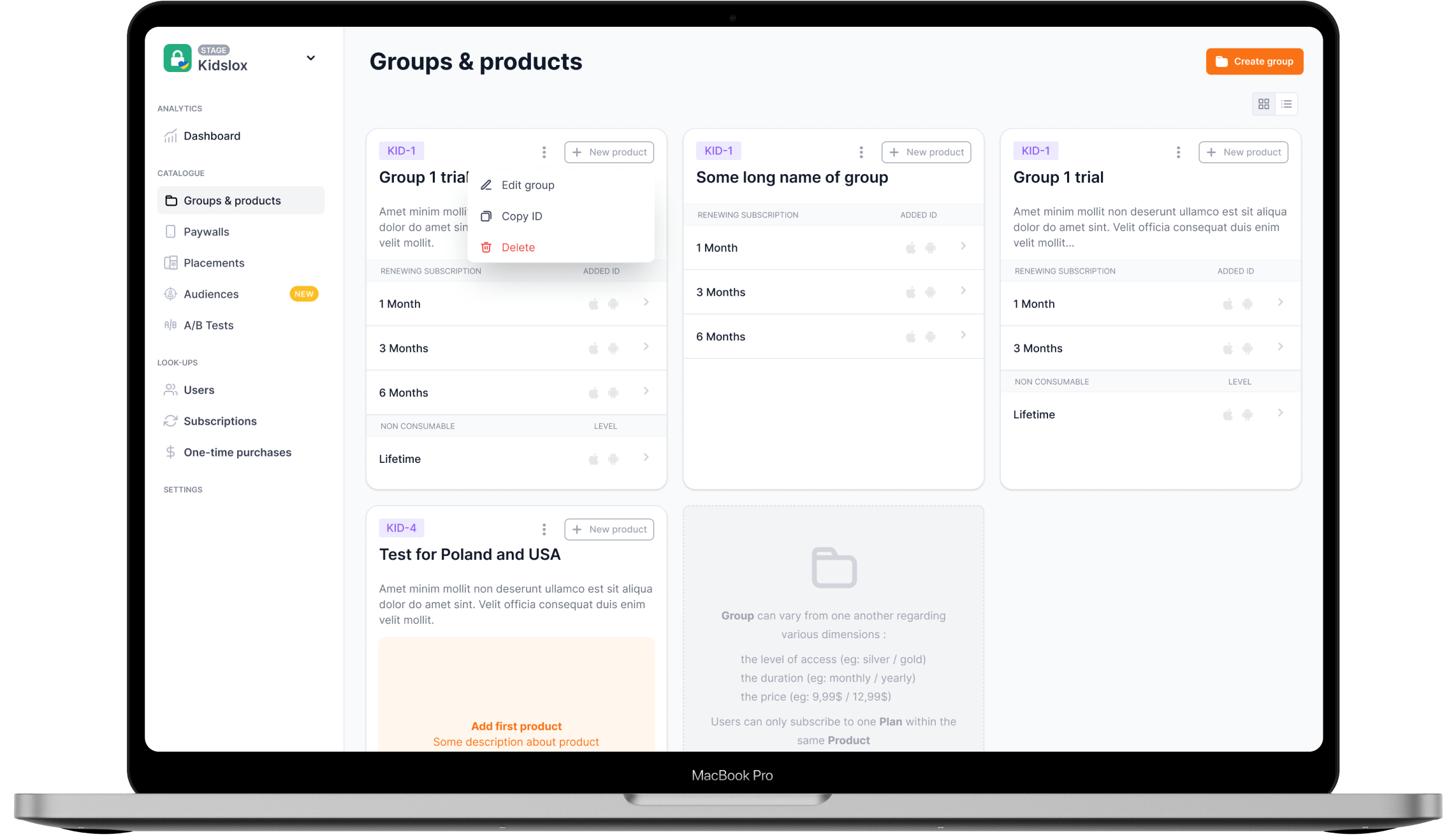
Smart growth tools 
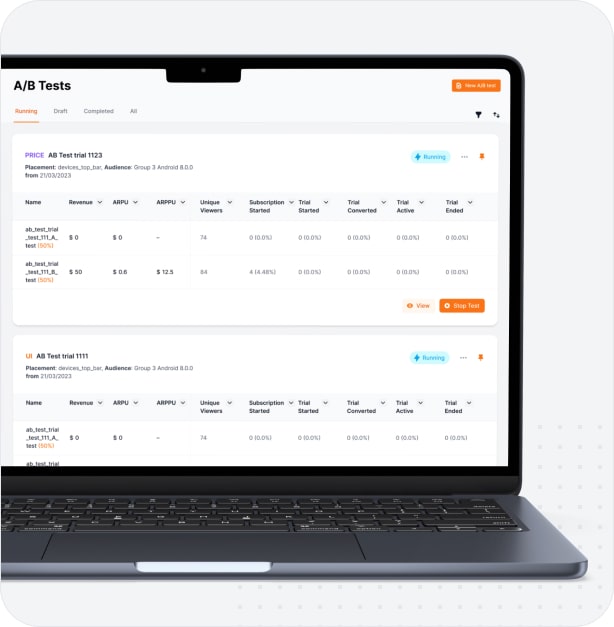
The ABwall platform makes it easy to generate hypotheses, build them out, and test them to discover meaningful paywall improvements that can start impacting your bottom line immediately.
-
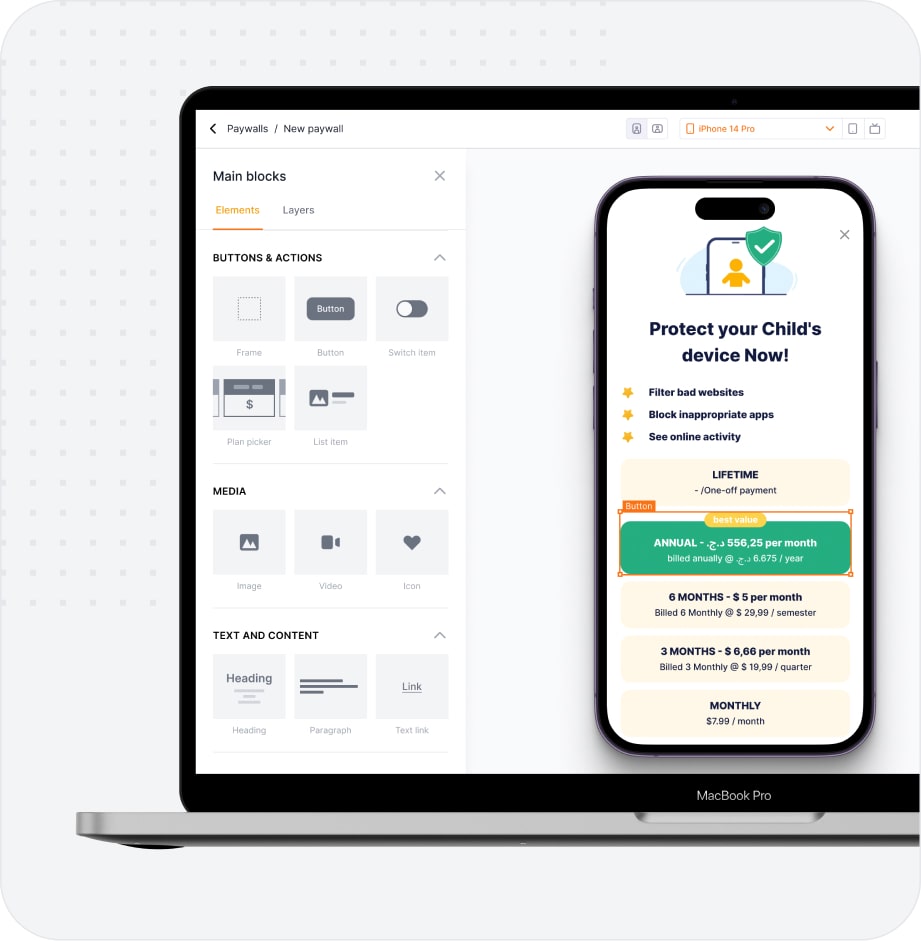
Highly customizable
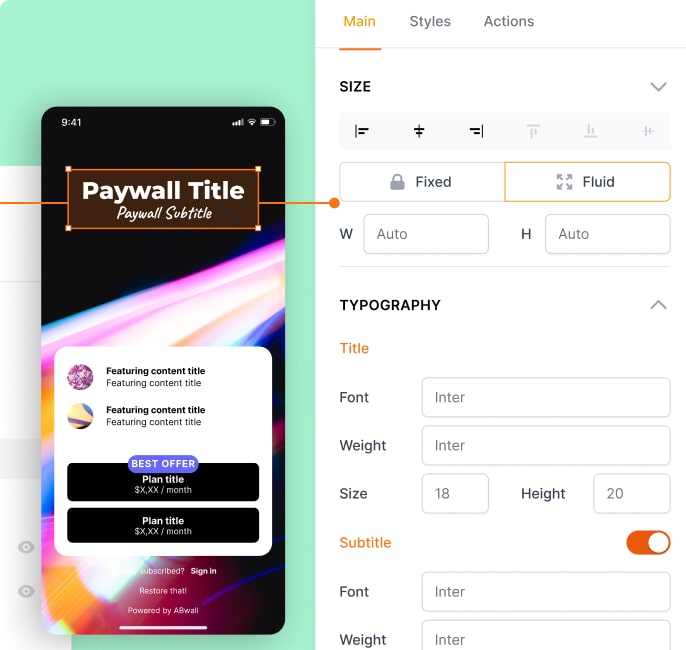
Experiment with a wide range of styles and layouts. Every element of the paywall can have an effect, so optimize everything!
-
Proven templates
Start fast with our collection of proven paywall templates. These form a great starting point for further iteration and experimentation.

-
Apply insights
Every test helps you better understand your users and their behaviour. Quickly apply successful hypotheses and more on to the next iteration.
-
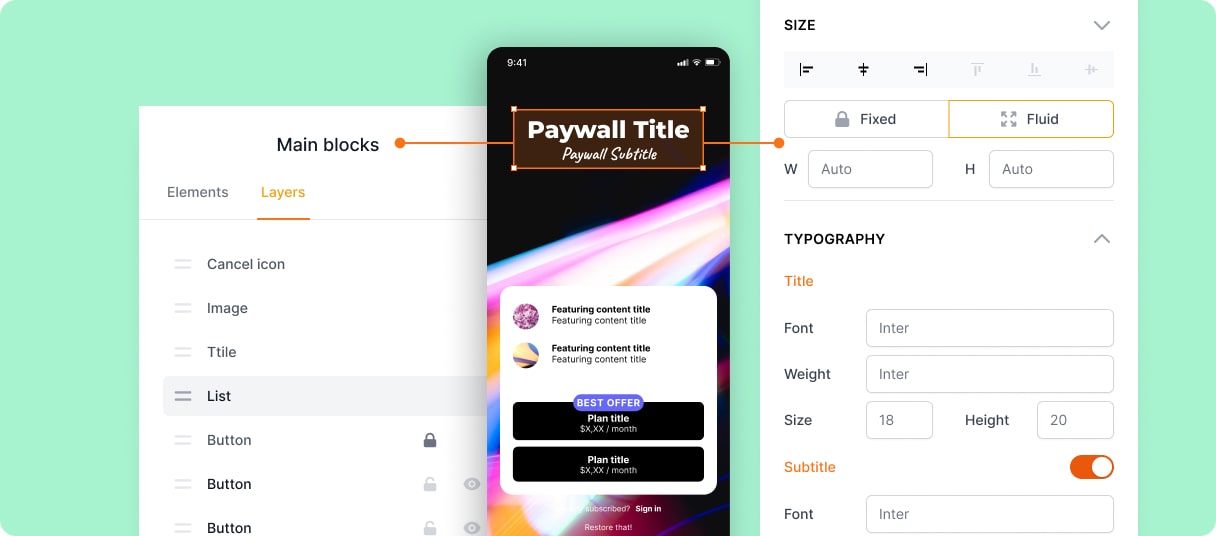
Easy to implement
Save on developer time with simple setup and ABwall’s intuitive no-code paywall editor

Case study
79% of beta testers improved their sales results
300+
Beta testers participated
↗ 8.6 %
Indicators have improved
Be an early 🕊 and start optimizing your app's revenue today
Get EARLY ACCESS to all ABWALL features
Better user experiences 
Get optimizing fast and improve subscription revenue with a range of proven paywall templates which engage users where they’re at


Better user experiences
Get optimizing fast and improve subscription revenue with a range of proven paywall templates which engage users where they’re at
-

Improve onboarding
Optimizing paywalls is about more than just one off revenue, build a great first impression to kickstart ongoing relationships
-

Scalable testing
As your product grows, ABwall grows with you. Run parallell experiments for each different user segment.
-
Flexible templates
Explore the optimization of every element of your paywall with ABwall’s deep customization options.